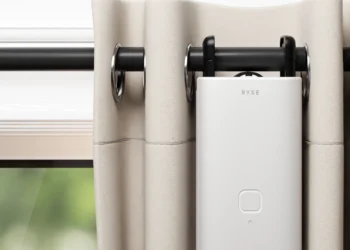

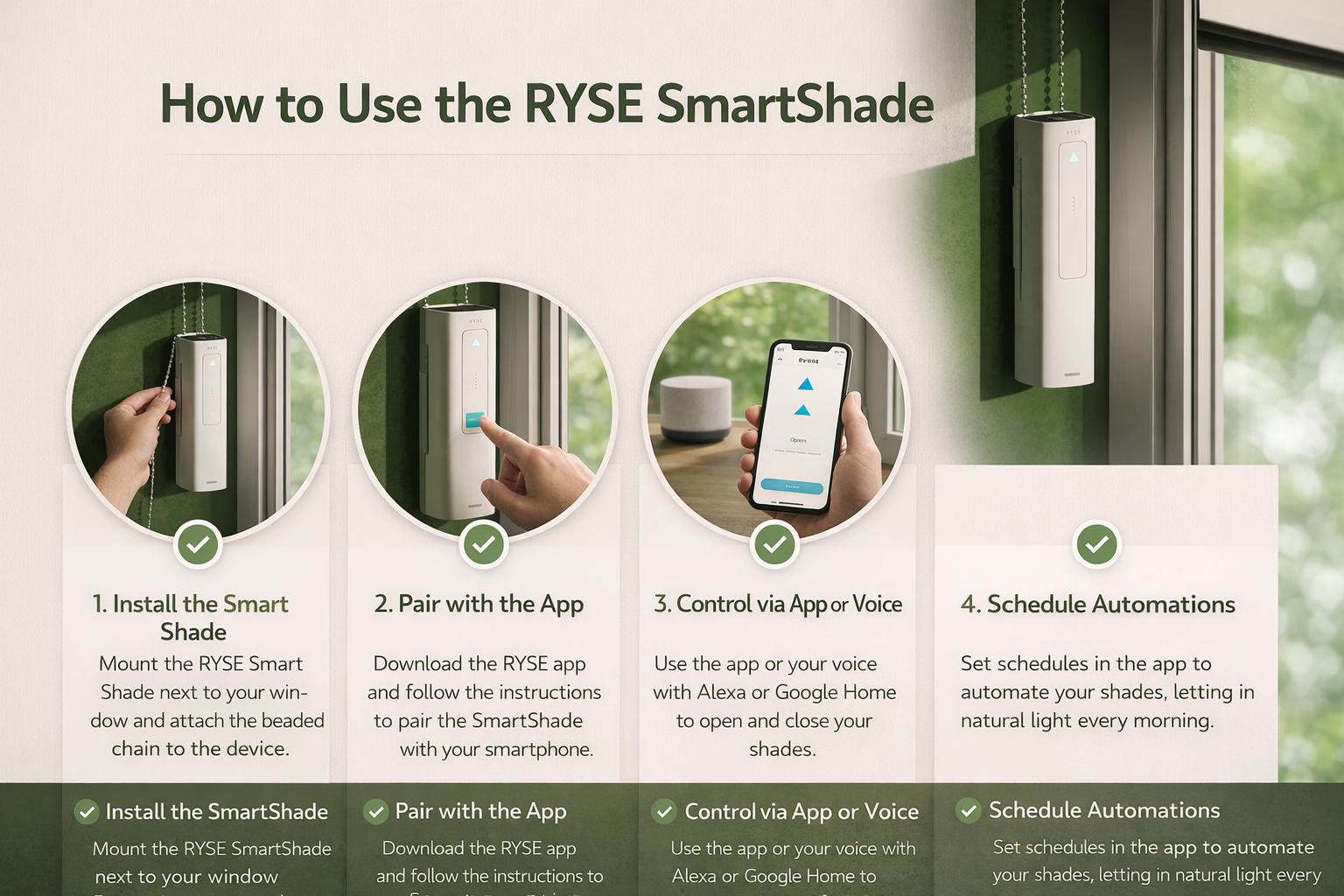
Upgrade your home with smart automation in just a few simple steps. The RYSE SmartShade allows you to control your existing beaded-chain window shades using your smartphone, voice assistants, or scheduled automation — no full shade replacement required.
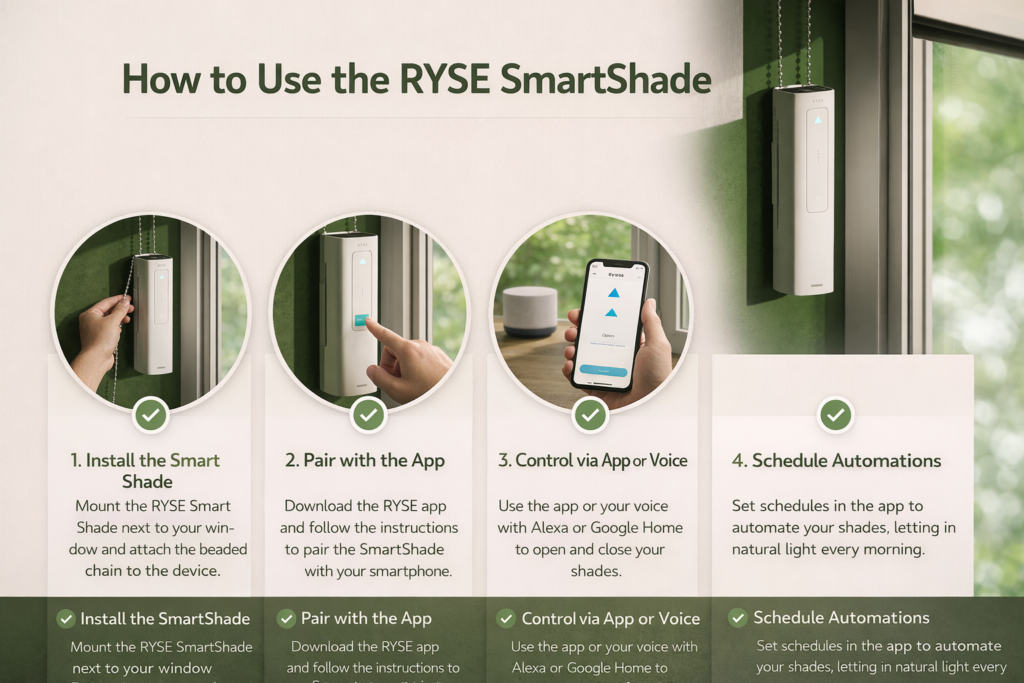
1️⃣ Install the SmartShade
Mount the RYSE SmartShade next to your window frame using the included brackets.

- Position the device close to your shade’s beaded chain.
- Loop the beaded chain onto the SmartShade gear.
- Make sure the chain moves smoothly without slipping.
- Secure the device firmly to the wall or window frame.
💡 Tip: Ensure the chain tension is balanced for optimal performance.
2️⃣ Charge & Power On
- Fully charge the SmartShade using the provided charging cable.
- Press the power button to turn it on.
- The LED indicator will light up, confirming the device is active.
Optional: Attach the solar panel accessory for continuous charging and reduced manual charging.
3️⃣ Download & Pair with the App
Register Now :https://www.helloryse.com/vang761
4️⃣ Control Your Shades
You can operate your SmartShade in multiple ways:
- 📱 Mobile App – Open, close, or adjust shade positions.
- 🎙️ Voice Control – Connect with Alexa or Google Assistant (via SmartBridge).
- 🕒 Scheduled Automation – Set daily routines for automatic opening and closing.
- 🎛️ Remote Control – Use the physical remote (if included).
5️⃣ Set Smart Automations
Create customized schedules in the app:
- Wake up naturally with sunlight every morning.
- Close shades automatically at sunset.
- Adjust based on your daily routine.
Smart automation helps improve energy efficiency and enhances home comfort.
6️⃣ Maintenance & Care
- Keep the device clean and dust-free.
- Check chain alignment periodically.
- Recharge when battery levels are low (unless using solar panel).
Thank You !